
School website app
How the app works
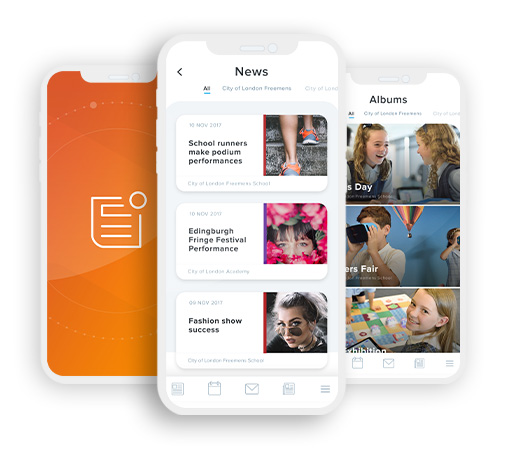 Firstly, you will need to download the free "School News" app from either the iTunes App Store or Google Play Store by clicking on the relevant buttons below or by loading up the app store on your phone and searching for "School News app".
Once you have located and downloaded the free app, launch the app and you will then be able to either click on the ‘Find my school’ button, or you can type in the school's postcode: PL4 6HT
You will then see a list of schools that use this app. Click on Plymouth High School for Girls.
It will then load our ‘Latest News’ page to view all of the most recent news items that have been added.
Clicking on ‘My Schools’ will display a list of all schools you have added. Clicking on any one of the schools will display the school address, telephone number and email address which you can click on to either phone or email the school directly from the app.